
IPTV Free Trial: A Buying Checklist for USA and Canada
What should I check during an IPTV free trial?
Check the exact device and player, intended viewing needs, connection allowance, support answers and the paid checkout terms. Keep a short record of results.
An IPTV free trial should help you make a buying decision, not just prove that one video can start. Before choosing a subscription, check the device you will use, the viewing needs that matter to your household, the permitted connection count and the total commitment at checkout. This commercial VocoTV guide is a practical worksheet, not a report of independent service testing.
Check VocoTV trial eligibility
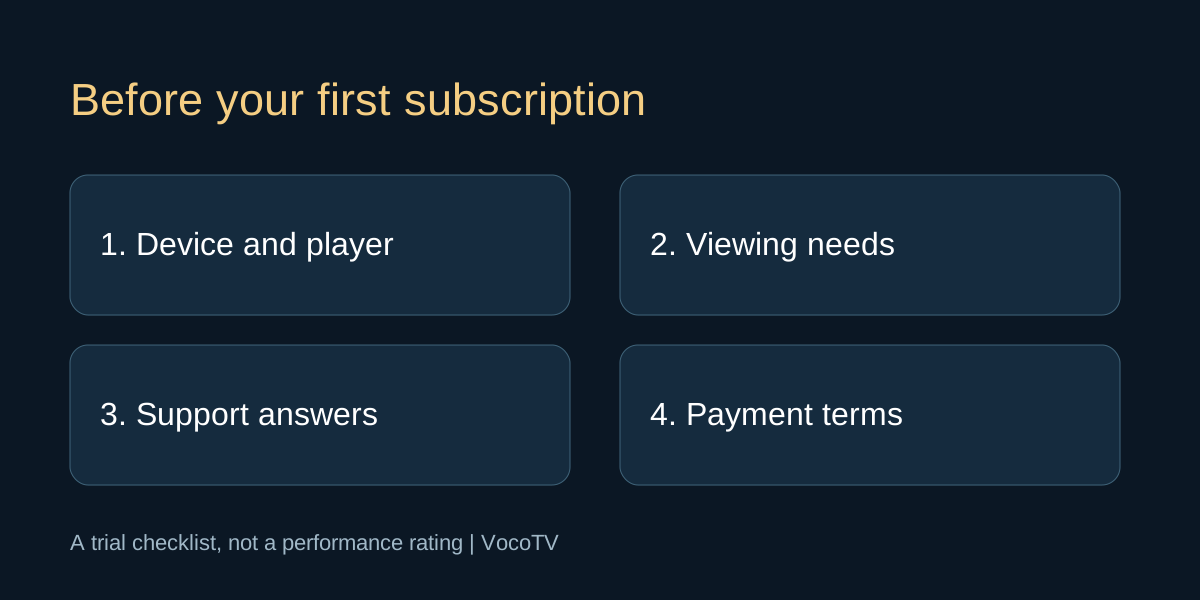
Original editorial illustration above; no test score is implied.
Start with the device you will actually use
Write down the television or streaming-device model, operating system and player. A successful phone demonstration does not establish that your living-room setup is supported. Ask the provider which installation method and player are appropriate before entering payment details. If a separate player requires a licence, include that cost in your comparison. Do not assume that a subscription payment includes every third-party application.
Choose three viewing needs before starting
List the things you want to verify rather than browsing randomly until the trial expires. These might be navigating with a remote, reading available subtitles and watching on the main television at your usual time. If a specific programme, language or sport is essential, ask about its current availability and licensing for your location. A broad channel count does not answer a precise question about an event. Neither a trial nor a marketing list guarantees future availability.
Keep a short, repeatable trial record
For each check, note the device, app version, approximate time, action and result. For example, record whether you could sign in, find an item and resume after leaving the app. Do not turn one successful session into an uptime percentage. A limited trial cannot establish long-term reliability. It can help you discover a setup mismatch or an unanswered question before you commit money. Keep account details in a private note rather than in a public review.
Check one screen before testing the household
Establish normal operation on one device first. Then confirm how many simultaneous streams the intended paid plan allows. Several installed applications are not the same as several permitted connections. Ask whether the trial allowance differs from the paid offer, and whether the service permits your intended locations or household arrangement. Do not try to work around a connection limit. If your household needs a different allowance, compare the appropriate plan before buying.
Test support with a specific question
Ask one real question that affects your decision: whether your device is supported, which player is required, or how the selected connection allowance works. Save the answer with your trial notes. Judge whether it resolves your question instead of assuming that a fast generic reply is sufficient. If an error occurs, share its wording, device and time privately. Never post the complete playlist URL, activation code or password as a screenshot on a public platform.
Compare the actual checkout for the USA or Canada
Look at the currency and total shown for the selected order. Ask about any player charge and whether payment is one-off or recurring. Your payment provider may handle currency conversion separately, so the price on a promotional banner is not always the complete amount you will see in your own currency. Confirm the service term, start date, connection count and renewal arrangement. The current checkout, not an old article, should control your decision.
Decide what would stop you from purchasing
Set your conditions before the trial ends. An unsupported device, an unclear payment obligation or an unresolved access problem is a reason to pause and ask questions. A discount should not outweigh an essential requirement. Conversely, if the setup works for your intended use and the terms are clear, choose a commitment you are comfortable making. Buying a longer term is a larger upfront decision even when its monthly equivalent is lower.
Finish with a clear next action
Keep a three-part note: what worked, what remains uncertain and the plan you are considering. If everything essential is confirmed, open the current VocoTV offer and review it again before submitting the order. If a question remains, contact support instead. Trial eligibility, activation and terms may change; do not submit repeated requests or assume that every returning customer qualifies. Your completed worksheet is personal decision evidence, not an independent rating of the service.
Frequently asked questions
What should I check during an IPTV free trial?
Check the exact device and player, intended viewing needs, connection allowance, support answers and the paid checkout terms. Keep a short record of results.
Does a working trial guarantee the paid service will always work?
No. A short trial checks a limited setup and time period. It cannot establish future uptime, permanent catalogue availability or support outcomes.
Can I test several screens at once?
Only within the allowance confirmed for your trial. Ask separately about the simultaneous connections included in the paid plan.
Should I compare monthly and annual plans during the trial?
Yes. Compare the total upfront payment and terms as well as the monthly equivalent. Choose a commitment that fits your budget and confidence in the setup.
Are USA and Canada prices always the same currency?
Do not assume that. Check the order currency and any conversion handled by your payment provider before purchasing.
Where should I request a VocoTV trial?
Use the trial destination linked from this site and read the current eligibility and activation terms before submitting a request.
Further reading and current offers
Read our subscription cost guide and buffering troubleshooting guide for related questions. The FTC explains trial and recurring-payment checks; these are general consumer checks, not VocoTV-specific terms.