
IPTV Player Fee or TV Subscription? Check What Your Receipt Covers
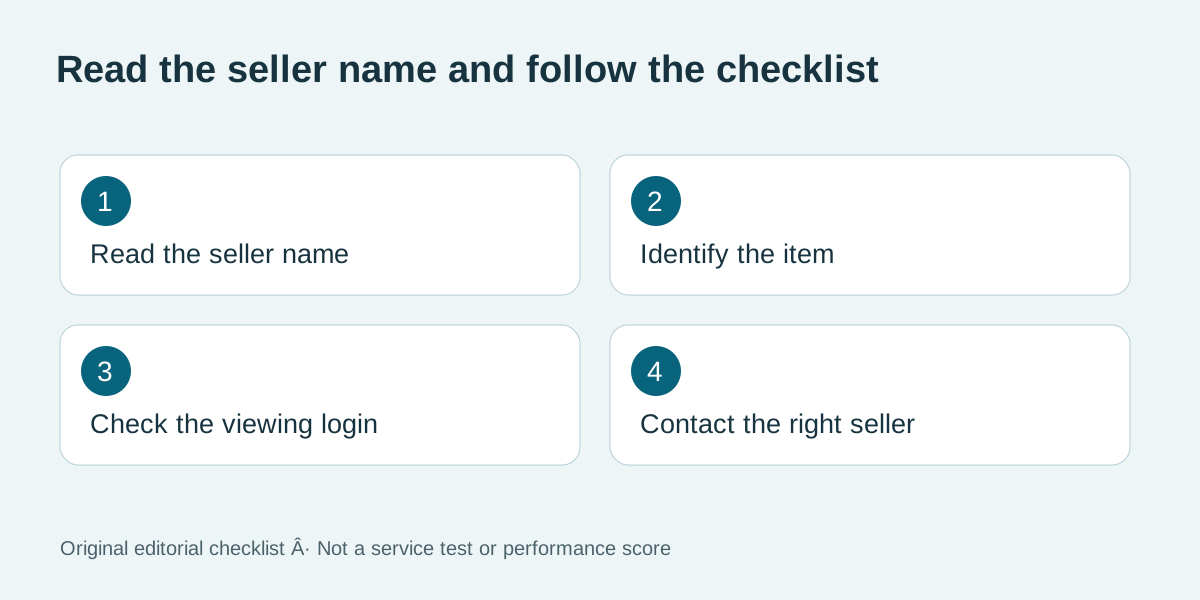
Does a player receipt include channels?
Only rely on the contents and supplier named in the order.
You paid on your TV, but the app still asks you to add a playlist. Before buying anything else, check what the receipt actually names. A payment for a player can unlock the software while leaving the account that supplies the programmes entirely separate.
Check VocoTV trial eligibility
Original editorial illustration above; no test score is implied.
Start with the line item
Open the receipt and look for the app name, a licence or activation label, and the seller. A receipt that lists only a player upgrade is evidence of that purchase. It does not tell you which programmes you have bought. Save the receipt before changing the app or creating another account.
Match the purchase to the screen
If the screen asks for a provider address or playlist, look for separate setup instructions from your viewing provider. If it instead says Restore Purchase, check which store account originally bought the app. A second household member may be signed into the TV today. Do not paste playlist URLs or passwords into a public support thread.
An example with two receipts
Suppose one email says lifetime player activation and the other says one month of viewing. Mark the first as software and the second as service. When the month ends, the player may still open normally. A working menu alone tells you nothing about the status of the viewing account.
Decide what to buy next
Compare the player you already own with the supported choices in the VocoTV setup guide. Ask whether that player needs a separate purchase and whether an alternative is available for your device. VocoTV sells viewing subscriptions. Check the current plans after confirming which purchase you actually need. For an Apple purchase, follow the Apple purchase history instructions to identify the product.
Frequently asked questions
Does a player receipt include channels?
Only rely on the contents and supplier named in the order.
What if I paid through Apple?
Use your Apple purchase history to identify the app and order before contacting the developer.
Should I pay again to get a playlist?
First check whether you already have an active viewing order and its setup email.
Can I use one receipt for both sellers?
Keep both references if the app and viewing service came from different sellers.
What can I send support?
Share the product name, order reference and device through the seller's support channel. Keep passwords private.
What should I confirm before changing apps?
Ask whether the new player accepts your provider's login format and whether an extra fee applies.
Further reading and current offers
Read our subscription cost guide and buffering troubleshooting guide for related questions.