
IPTV Payment Failed? Check the Order Before Paying Again
Should I pay again if checkout shows an error?
Not until you have checked the order record and payment account. A screen error alone does not establish whether a charge completed.
A declined card message, an unfinished checkout and an active IPTV account are three different states. When a payment appears to fail, the safest next step is to identify what happened to the order before entering the card again. This VocoTV guide explains the checks for a first purchase or renewal in the United States and Canada. VocoTV sells subscriptions; this is commercial buying guidance, not a report that we tested every bank or payment provider.
Check VocoTV trial eligibility
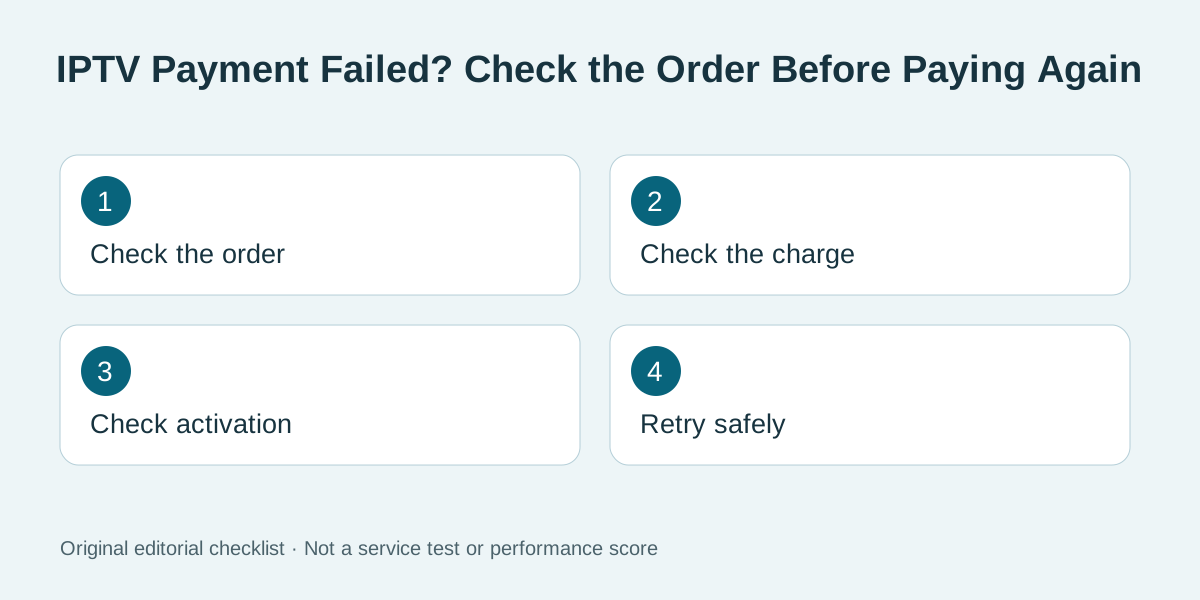
Original editorial illustration above; no test score is implied.
Find the transaction state first
Open the official account area from a saved address or the website you intended to use. Look for an order number, invoice status and service activation message. A bank notification can show an authorization that has not become a completed order. Conversely, a checkout error on the screen does not prove that no charge occurred. Check the bank or payment account once, then compare the merchant name, amount, currency and time with the order record. Do not paste card details or an entire bank screenshot into an open chat. If either side is ambiguous, ask billing support to identify the order by its reference number before making another payment.
Make sure you are on the correct checkout
Follow the billing link from the official VocoTV website, and inspect the hostname before entering payment details. Search ads, copied social posts and lookalike domains can lead to a different seller. A familiar logo alone does not establish that a page is genuine. Avoid a payment instruction that asks you to move from the published checkout to a personal account in an unrelated message. If support gives a replacement invoice, verify it through the official account area. The FTC's online-shopping guidance recommends checking sellers and payment methods before purchase; its advice is general and does not certify any IPTV provider.
Separate billing from activation
If the payment completed, check whether the resulting order is marked paid and whether activation instructions arrived at the account email. Look in spam only after confirming the address in the official account panel. An app can still display an expired login if it is using credentials for an older trial or a different order. Match the order reference and username privately with support. Paying a second time will not fix a typo in a playlist address, an unsupported player or an activation email sent to the wrong inbox. Our renewal and login checklist covers those different failure points in order.
Check the amount and commitment before retrying
Read the total at checkout, the service term, connection allowance and any recurring-payment wording. If your card account is in Canadian dollars and the order is displayed in US dollars, the issuer may apply a conversion and a fee. Confirm the amount in the currency shown to you before submitting. A declined payment may reflect a bank security step, an expired card or a spending limit; the provider cannot diagnose a private bank decision from an error banner alone. Contact the bank through its official app or number if it asks you to approve the transaction. Do not send card verification codes to a seller or a public support account.
Retry only after you know the first attempt did not complete
If the account shows an unpaid order and your payment provider confirms no completed charge, you can follow the official checkout's retry instructions. Use one browser session and let the response finish; repeatedly refreshing or opening multiple checkout tabs can create confusing duplicate attempts. Save the final receipt. If a charge completed but service was not activated, ask billing support to reconcile it rather than paying again. Record the date, order number and support ticket so the issue can be traced without sharing a full card number. The monthly versus annual guide helps you check whether the chosen term still makes sense after the immediate payment issue is resolved.
A useful private support message
State the order number, date, amount, currency and the exact status shown in your account. Say whether the bank shows pending, completed or declined, but omit card details. Ask whether the order is already paid, whether service activation is pending, and what action is needed next. If the problem concerns a renewal, ask which service account the order will extend. Keep the answer with your receipt. If an unexpected charge appears, use the official billing and bank dispute channels rather than posting sensitive financial information in a public review.
Frequently asked questions
Should I pay again if checkout shows an error?
Not until you have checked the order record and payment account. A screen error alone does not establish whether a charge completed.
Can a card authorization exist without an active order?
Yes. An authorization and a completed merchant order are different records. Ask the bank and seller to clarify a mismatch.
Where should I send my order number?
Use the provider's private official billing channel. Never post a full card number, verification code, password or playlist URL publicly.
Does a paid invoice prove the IPTV player is configured?
No. Payment and player setup are separate. Match the activation details to the app and account you are using.
What if my currency differs from the checkout currency?
Check the displayed currency and ask your issuer about conversion and fees. Compare the final payable total, not an old article price.
Is the trial a fix for a failed renewal?
No. A new-customer trial may have separate eligibility rules. Ask billing support to resolve an existing order rather than creating another account.
Further reading and current offers
Read our subscription cost guide and buffering troubleshooting guide for related questions. The FTC explains trial and recurring-payment checks; these are general consumer checks, not VocoTV-specific terms.