
IPTV Activation Email Not Received? Check Your Order Before Paying Again
What should I do first if the activation email is missing?
Find the existing order and confirm the product, account email and order status before paying again.
If you paid for an IPTV subscription but cannot find the activation email, start with the existing order. A payment receipt, an approved order and working viewing credentials are separate things. Checking which step completed helps you contact the right support team without creating a second purchase. This guide is for buyers reviewing their own account, including viewers in the USA and Canada.
Check VocoTV trial eligibility
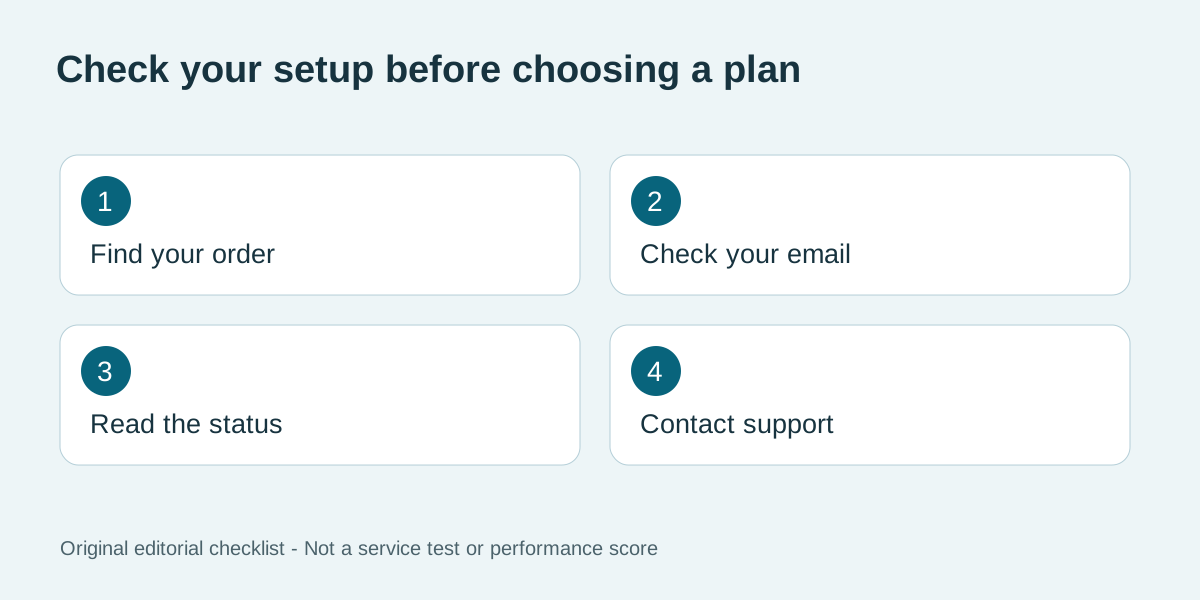
Original editorial illustration above; no test score is implied.
Identify what you purchased
Open the receipt and read the seller name, product description, order reference and purchase time. Confirm whether you bought a viewing subscription, a player licence, a trial or another product. An app-store purchase may activate the player without providing television service. Our player fee and subscription guide explains that distinction. Do not assume a successful card notification means every part of the service has already been provisioned. VocoTV sells subscriptions and this is a commercial support guide. If you are still evaluating the service rather than waiting for an existing paid order, check the current trial information. A new trial request is not a replacement for resolving a missing paid activation.
Check the email address on the order
Review the address shown in your order account. Look for a spelling mistake or an old address entered automatically by your browser. Search the mailbox for the seller name and order reference, then inspect spam and other filtered folders. A receipt and a setup message may arrive separately. If the order uses an address you no longer control, ask the seller how to verify ownership and correct it through its support process. Do not publish your full receipt or viewing login in a comment thread. Use the contact route on the official site or an existing account. A support agent should not need your email password to investigate delivery. When sharing a screenshot, hide passwords, payment card details and connection URLs.
Read the current order status
Sign in using the client-area link on the official site and inspect the existing order, if your account provides that information. Record the exact wording of the status rather than interpreting it as a guarantee. Pending payment, processing and active can describe different stages. If instructions are already visible in your account, follow the documented setup steps and confirm that they apply to the device you intend to use. Check the activation timeframe supplied with your purchase. Compare the purchase time and any stated time zone before deciding the order is late. This guide does not promise a fixed delivery time. If no timeframe is stated, ask support for the expected next step instead of assuming activation is instant.
Send one useful support request
Include the order reference, product name, purchase date, account email and a short description of what is missing. For example: the receipt arrived, the account shows processing, but no setup message is visible. Ask whether the order has been provisioned and whether the instructions can be resent through the official account channel. Keep the reply in the same conversation so the next person can see what has already been checked. The FTC's online shopping guidance recommends retaining purchase records and correspondence. Keep the relevant receipt and written delivery information together. Those records are more useful for resolving an order than an unlabelled screenshot of a payment notification.
Avoid a duplicate purchase
Do not repeat the checkout simply because an email is missing. First establish whether the original order exists and whether payment was received. If a transaction failed, use the payment and order checklist before trying another payment method. Where the receipt shows an unexpected product or amount, ask the seller to explain it before placing another order. Once the correct activation arrives, test the device you plan to use and retain the order reference for future support. Before any separate purchase, review the current subscription details, including the selected duration, connection allowance and renewal conditions. Do not treat successful activation as confirmation that a particular event or channel is included; check that requirement separately.
Frequently asked questions
What should I do first if the activation email is missing?
Find the existing order and confirm the product, account email and order status before paying again.
Does a payment receipt include my viewing credentials?
Not necessarily. Payment confirmation and setup instructions can be separate messages or account sections.
Should I buy another subscription to get a new email?
Resolve the first order with the seller before creating another purchase, to avoid duplicate charges.
What if I entered the wrong email address?
Contact the seller through its official support route and follow the account-verification procedure for correcting it.
How long should activation take?
Use the timeframe stated for your actual order. If it is missing or has passed, ask support for a status update.
Can support ask for my full connection URL in a public comment?
Keep connection details private. Share only the necessary information through the seller's authorised private support channel.
Further reading and current offers
Read our subscription cost guide and buffering troubleshooting guide for related questions. The FTC explains trial and recurring-payment checks; these are general consumer checks, not VocoTV-specific terms.